<< Prev Question Next Question >>
Question 8/53
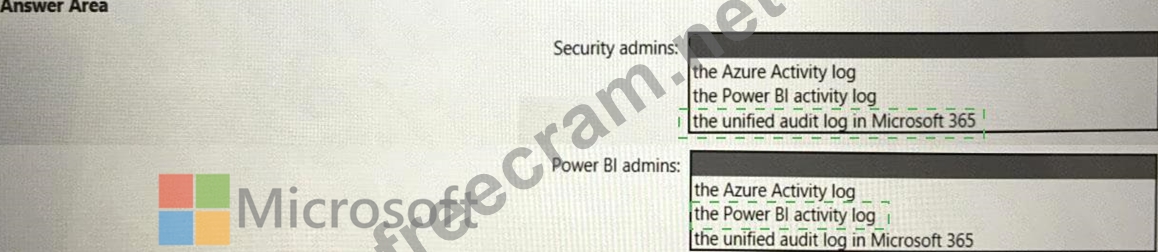
You need to recommend an automated solution to monitor Power Bl user activity. The solution must meet the following requirements:
* Security admins must identify when users export reports from Power Bl within five days of a new sensitivity label being applied to the artifacts in Power Bl.
* Power Bl admins must identify updates or changes to the Power Bl capacity.
* The principle of least privilege must be used.
Which log should you include in the recommendation for each group? To answer, select the appropriate options in the answer area.
NOTE: Each correct selection is worth one point.
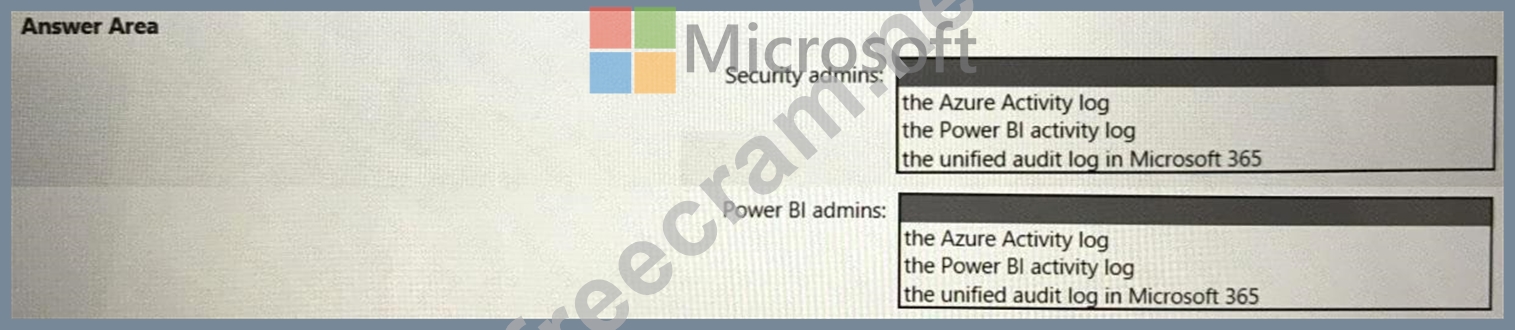
* Security admins must identify when users export reports from Power Bl within five days of a new sensitivity label being applied to the artifacts in Power Bl.
* Power Bl admins must identify updates or changes to the Power Bl capacity.
* The principle of least privilege must be used.
Which log should you include in the recommendation for each group? To answer, select the appropriate options in the answer area.
NOTE: Each correct selection is worth one point.