<< Prev Question Next Question >>
Question 36/40
A team is preparing to manage agents in Copilot Studio by using ALM from Power Platform.
A solution must be created before agents and configuration of assets can be managed through ALM.
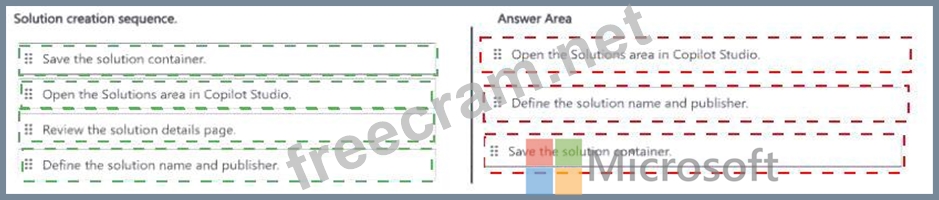
You need to create a solution that can contain agents and related assets.
Which three actions should you perform in order? To answer, move the appropriate actions from the list of actions to the answer area and arrange them in the correct order.
A solution must be created before agents and configuration of assets can be managed through ALM.
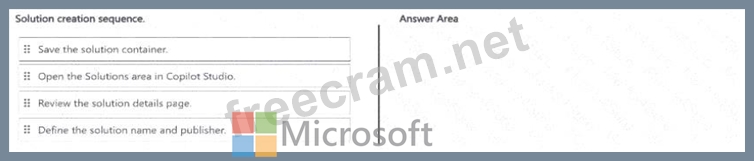
You need to create a solution that can contain agents and related assets.
Which three actions should you perform in order? To answer, move the appropriate actions from the list of actions to the answer area and arrange them in the correct order.