<< Prev Question Next Question >>
Question 18/49
You use GUI tools on the Virtual Machine to create and administer the Database as a Service (DBaaS) databases.
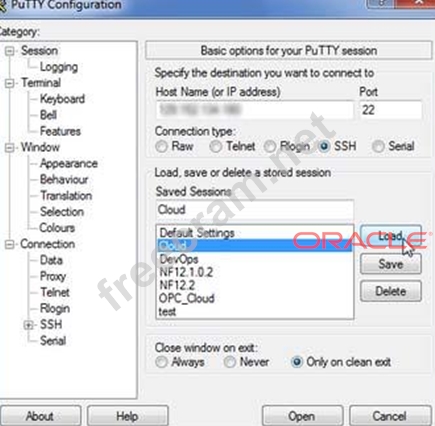
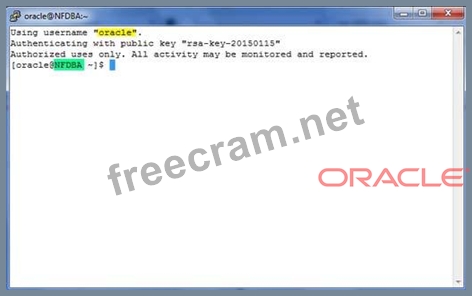
You wish to use the Oracle Database Configuration Assistant (DBCA) to create a database instance. To run DBCA, you will need to use an SSH connection.
You need to perform several steps to establish this connection in DBCA and to create the database.
What are two of these steps?
You wish to use the Oracle Database Configuration Assistant (DBCA) to create a database instance. To run DBCA, you will need to use an SSH connection.
You need to perform several steps to establish this connection in DBCA and to create the database.
What are two of these steps?