Valid AZ-500 Dumps shared by ExamDiscuss.com for Helping Passing AZ-500 Exam! ExamDiscuss.com now offer the newest AZ-500 exam dumps, the ExamDiscuss.com AZ-500 exam questions have been updated and answers have been corrected get the newest ExamDiscuss.com AZ-500 dumps with Test Engine here:
Access AZ-500 Dumps Premium Version
(497 Q&As Dumps, 35%OFF Special Discount Code: freecram)
<< Prev Question Next Question >>
Question 103/106
Use the following login credentials as needed:
To enter your username, place your cursor in the Sign in box and click on the username below.
To enter your password, place your cursor in the Enter password box and click on the password below.
Azure Username: [email protected]
Azure Password: Ag1Bh9!#Bd
The following information is for technical support purposes only:
Lab Instance: 10598168

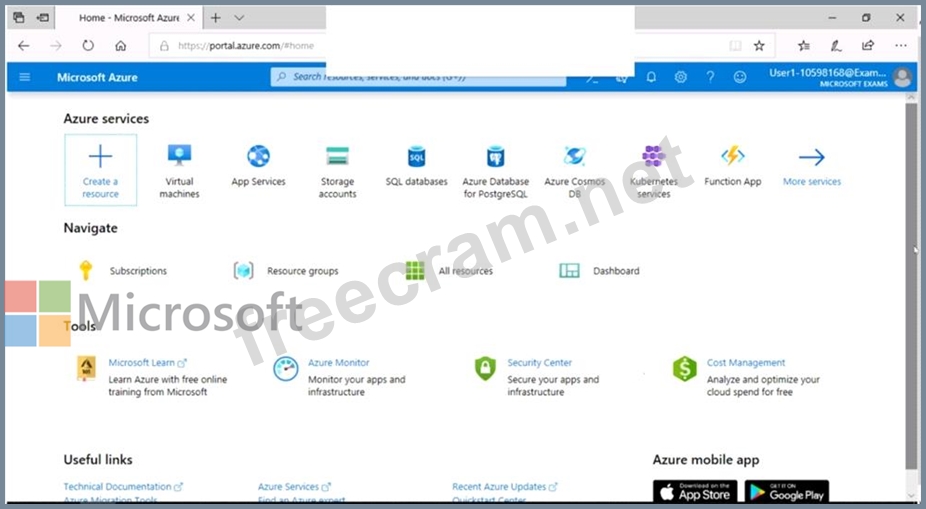
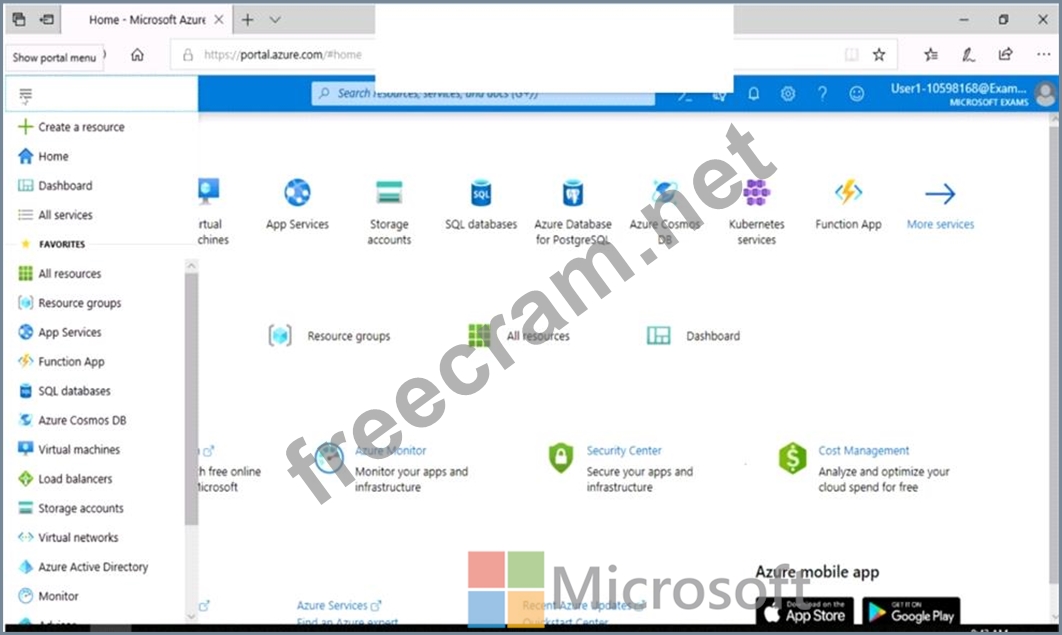
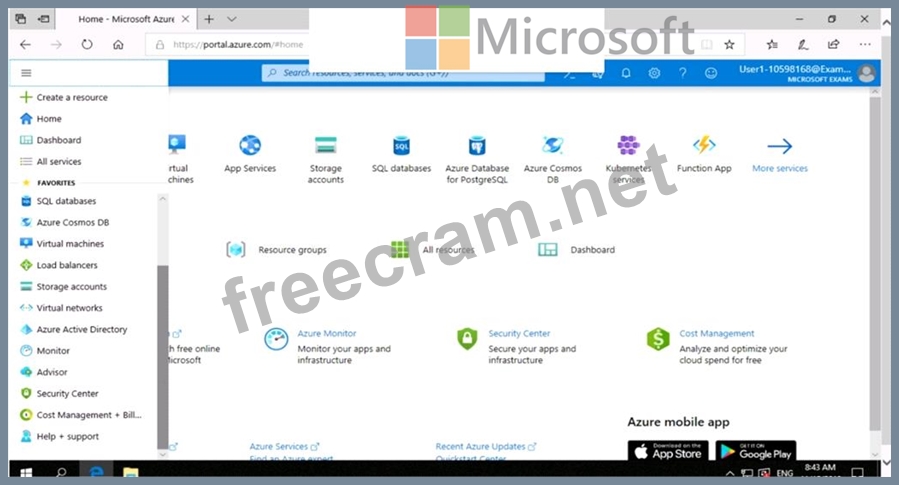
You need to email an alert to a user named [email protected] if the average CPU usage of a virtual machine named VM1 is greater than 70 percent for a period of 15 minutes.
To complete this task, sign in to the Azure portal.
To enter your username, place your cursor in the Sign in box and click on the username below.
To enter your password, place your cursor in the Enter password box and click on the password below.
Azure Username: [email protected]
Azure Password: Ag1Bh9!#Bd
The following information is for technical support purposes only:
Lab Instance: 10598168
You need to email an alert to a user named [email protected] if the average CPU usage of a virtual machine named VM1 is greater than 70 percent for a period of 15 minutes.
To complete this task, sign in to the Azure portal.
Correct Answer:
Create an alert rule on a metric with the Azure portal
1. In the portal, locate the resource, here VM1, you are interested in monitoring and select it.
2. Select Alerts (Classic) under the MONITORING section. The text and icon may vary slightly for different resources.
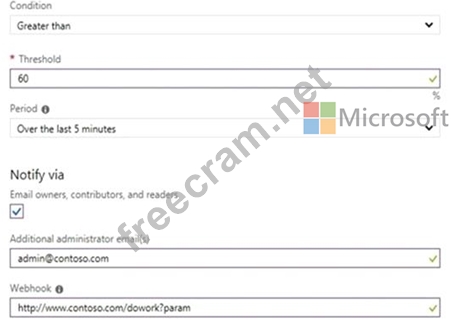
3. Select the Add metric alert (classic) button and fill in the fields as per below, and click OK.
Metric: CPU Percentage
Condition: Greater than
Period: Over last 15 minutes
Notify via: email
Additional administrator email(s): [email protected]
Reference:
https://docs.microsoft.com/en-us/azure/sql-database/sql-database-insights-alerts-portal
1. In the portal, locate the resource, here VM1, you are interested in monitoring and select it.
2. Select Alerts (Classic) under the MONITORING section. The text and icon may vary slightly for different resources.
3. Select the Add metric alert (classic) button and fill in the fields as per below, and click OK.
Metric: CPU Percentage
Condition: Greater than
Period: Over last 15 minutes
Notify via: email
Additional administrator email(s): [email protected]
Reference:
https://docs.microsoft.com/en-us/azure/sql-database/sql-database-insights-alerts-portal


- Question List (106q)
- 1 commentQuestion 1: You are evaluating the security of VM1, VM2, and VM3 in Sub2...
- Question 2: You have a hybrid configuration of Azure Active Directory (A...
- Question 3: You have an Azure subscription. You create an Azure web app ...
- Question 4: You have an Azure Active Directory (Azure AD) tenant named c...
- Question 5: You have an Azure subscription named Subscription1. You need...
- Question 6: You have an Azure subscription that contains the following r...
- Question 7: You have an Azure subscription that contains the following r...
- Question 8: You have an Azure subscription. The subscription contains Az...
- Question 9: You have an Azure Active Directory (Azure AD) tenant. You ne...
- 1 commentQuestion 10: Note: This question is part of a series of questions that pr...
- Question 11: You have an Azure subscription named Sub1 that contains the ...
- Question 12: You have been tasked with applying conditional access polici...
- Question 13: You have an Azure subscription that contains the resources s...
- Question 14: You have an Azure subscription named Sub1. Sub1 contains a v...
- Question 15: Your network contains an on-premises Active Directory domain...
- Question 16: You need to delegate the creation of RG2 and the management ...
- Question 17: You have the Azure resource shown in the following table. (E...
- Question 18: You have an Azure subscription that contains the storage acc...
- Question 19: You need to create a new Azure Active Directory (Azure AD) d...
- Question 20: You have an Azure subscription that contains the resources s...
- Question 21: You plan to deploy Azure container instances. You have a con...
- Question 22: You have an Azure web app named WebApp1. You upload a certif...
- Question 23: Your company plans to create separate subscriptions for each...
- Question 24: You have the Azure Information Protection conditions shown i...
- Question 25: You need to ensure that User2-11641655 has all the key permi...
- Question 26: You are troubleshooting a security issue for an Azure Storag...
- Question 27: You have an Azure subscription that contains the alerts show...
- Question 28: You have an Azure subscription that contains an app named Ap...
- Question 29: You have an Azure subscription named Subscription1 that cont...
- Question 30: You are configuring an Azure Kubernetes Service (AKS) cluste...
- Question 31: You need to deploy AKS1 to meet the platform protection requ...
- Question 32: You network contains an on-premises Active Directory domain ...
- Question 33: You plan to configure Azure Disk Encryption for VM4 Which ke...
- Question 34: You have an Azure subscription that contains four Azure SQL ...
- Question 35: You have an Azure subscription that contains the virtual mac...
- Question 36: You plan to use Azure Disk Encryption for several virtual ma...
- Question 37: Note: This question is part of a series of questions that pr...
- Question 38: You need to configure WebApp1 to meet the data and applicati...
- Question 39: You have an Azure subscription named Sub1. You have an Azure...
- Question 40: You have a management group named Group1 that contains an Az...
- Question 41: You have an Azure resource group that contains 100 virtual m...
- Question 42: You have an app that uses an Azure SQL database. You need to...
- Question 43: You need to ensure that the events in the NetworkSecurityGro...
- Question 44: Note: This question is part of a series of questions that pr...
- Question 45: You have an Azure subscription that contains an Azure Active...
- Question 46: You need to ensure that web11597200 is protected from malwar...
- Question 47: You need to ensure that User2 can implement PIM. What should...
- Question 48: Your company has an Azure subscription named Subscription1. ...
- Question 49: On Monday, you configure an email notification in Azure Secu...
- Question 50: You have an Azure subscription that contains three storage a...
- Question 51: You have an Azure subscription named Sub1 that contains an A...
- Question 52: You have an Azure subscription that contains a virtual machi...
- Question 53: You have an Azure subscription named Sub1. Sub1 has an Azure...
- Question 54: Note: This question is part of a series of questions that pr...
- Question 55: You have an Azure Container Registry named Registry1. You ad...
- Question 56: You need to configure a Microsoft SQL server named Web115972...
- Question 57: You have a hybrid configuration of Azure Active Directory (A...
- Question 58: Your company has an Active Directory forest with a single do...
- Question 59: You plan to deploy an app that will modify the properties of...
- Question 60: You have a Microsoft 365 tenant that uses an Azure Active Di...
- Question 61: You have an Azure subscription name Sub1 that contains an Az...
- Question 62: You have an Azure Active Din-dory (Azure AD) tenant named co...
- Question 63: You have been tasked with configuring an access review, whic...
- Question 64: Use the following login credentials as needed: To enter your...
- Question 65: You have an Azure Active Directory (Azure AD) tenant named c...
- Question 66: Note: This question is part of a series of questions that pr...
- Question 67: You have an Azure subscription that contains a user named Ad...
- Question 68: From Azure Security, you create a custom alert rule. You nee...
- Question 69: You have an Azure subscription that contains the resources s...
- Question 70: You have an Azure Storage account named storage1 that has a ...
- Question 71: What is the membership of Group1 and Group2? To answer, sele...
- Question 72: You are troubleshooting a security issue for an Azure Storag...
- Question 73: You need to ensure that you can meet the security operations...
- Question 74: You have an Azure subscription that contains the custom role...
- Question 75: You have an Azure Active Directory (Azure AD) tenant. You ha...
- Question 76: You have an Azure subscription that contains an Azure Sentin...
- Question 77: You have an Azure Storage account named storage1 and an Azur...
- Question 78: You have an Azure Active Directory (Azure AD) tenant that co...
- Question 79: You need to ensure that the rg1lod10598168n1 Azure Storage a...
- Question 80: You have 10 on-premises servers that run Windows Server 2019...
- Question 81: Use the following login credentials as needed: To enter your...
- Question 82: Use the following login credentials as needed: To enter your...
- Question 83: Use the following login credentials as needed: To enter your...
- Question 84: You have a Azure subscription that contains an Azure Contain...
- Question 85: Your company has an Azure subscription named Sub1 that is as...
- Question 86: Which virtual networks in Sub1 can User2 modify and delete i...
- Question 87: You need to create an Azure key vault. The solution must ens...
- Question 88: You have two Azure virtual machines in the East US2 region a...
- Question 89: You have an Azure subscription that contains 100 virtual mac...
- Question 90: You have the Azure virtual machines shown in the following t...
- Question 91: You have an Azure virtual machines shown in the following ta...
- Question 92: You need to deploy an Azure firewall to a virtual network na...
- Question 93: Your company has an Azure Active Directory (Azure AD) tenant...
- Question 94: You onboard Azure Sentinel. You connect Azure Sentinel to Az...
- Question 95: Your network contains an Active Directory forest named conto...
- Question 96: You have an Azure subscription that uses Azure Active Direct...
- Question 97: You need to recommend which virtual machines to use to host ...
- Question 98: You have the Azure virtual machines shown in the following t...
- Question 99: You have an Azure Sentinel workspace that contains an Azure ...
- Question 100: You create an Azure subscription with Azure AD Premium P2. Y...
- Question 101: You have an Azure subscription. You need to create and deplo...
- Question 102: You have an Azure subscription. You plan to create a custom ...
- Question 103: Use the following login credentials as needed: To enter your...
- Question 104: Note: This question is part of a series of questions that pr...
- Question 105: You have an Azure subscription named Sub1 that contains an A...
- Question 106: You need to ensure that users can access VM0. The solution m...
