<< Prev Question Next Question >>
Question 3/55
Use the following login credentials as needed:
To enter your username, place your cursor in the Sign in box and click on the username below.
To enter your password, place your cursor in the Enter password box and click on the password below.
Azure Username: [email protected]
Azure Password: Ag1Bh9!#Bd
The following information is for technical support purposes only:
Lab Instance: 10598168
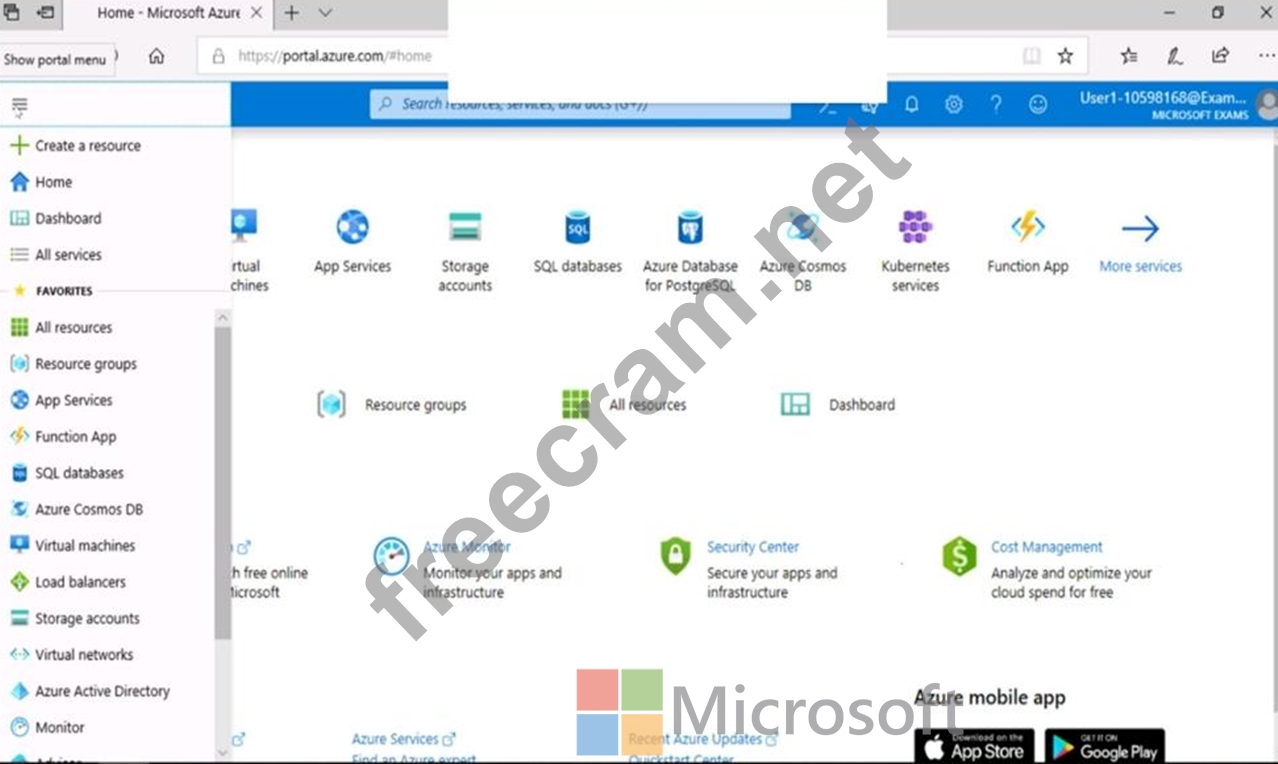
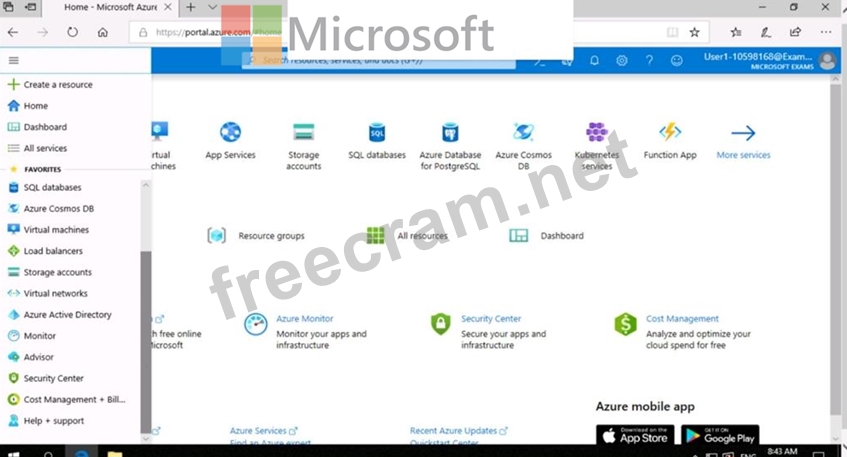
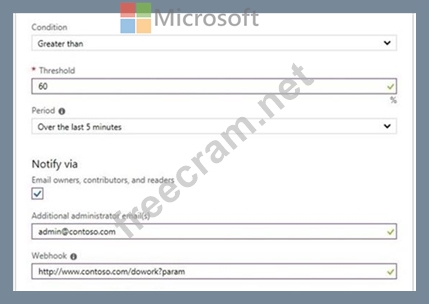
You need to email an alert to a user named [email protected] if the average CPU usage of a virtual machine named VM1 is greater than 70 percent for a period of 15 minutes.
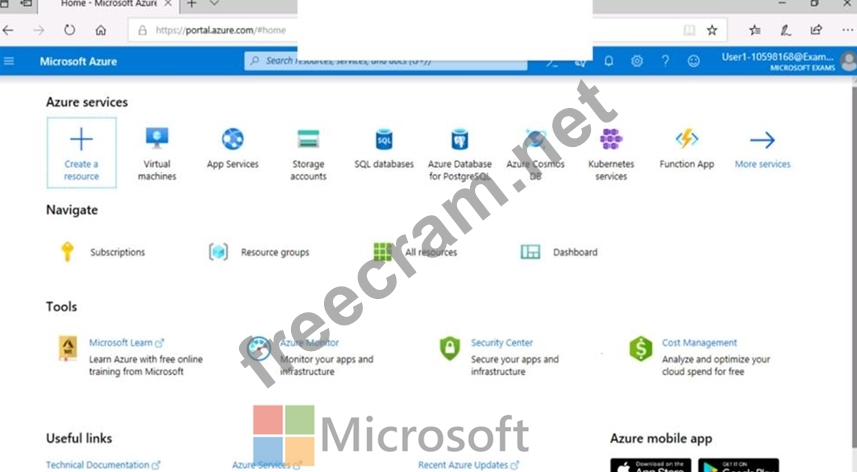
To complete this task, sign in to the Azure portal.
To enter your username, place your cursor in the Sign in box and click on the username below.
To enter your password, place your cursor in the Enter password box and click on the password below.
Azure Username: [email protected]
Azure Password: Ag1Bh9!#Bd
The following information is for technical support purposes only:
Lab Instance: 10598168
You need to email an alert to a user named [email protected] if the average CPU usage of a virtual machine named VM1 is greater than 70 percent for a period of 15 minutes.
To complete this task, sign in to the Azure portal.