<< Prev Question Next Question >>
Question 26/31
You have an Azure IoT hub.
You plan to deploy 1,000 IoT devices by using automatic device management.
The device twin is shown below.

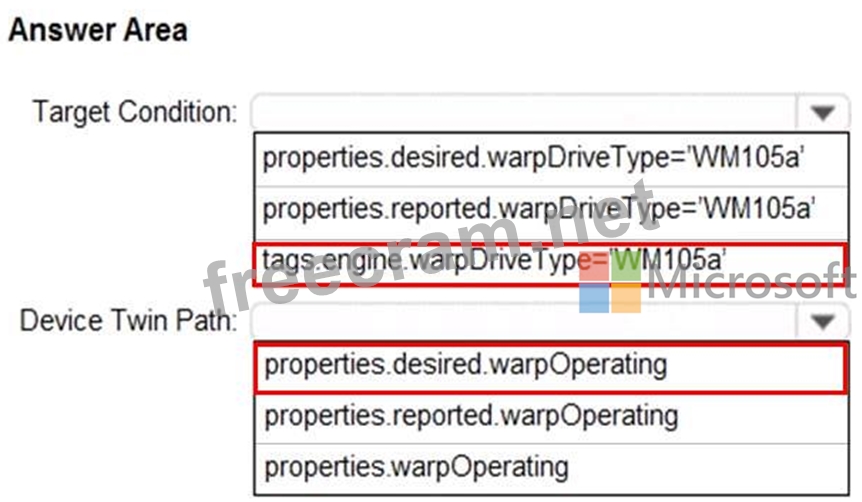
You need to configure automatic device management for the deployment.
Which target Condition and Device Twin Path should you use? To answer, select the appropriate options in the answer area.
NOTE: Each correct selection is worth one point.
You plan to deploy 1,000 IoT devices by using automatic device management.
The device twin is shown below.
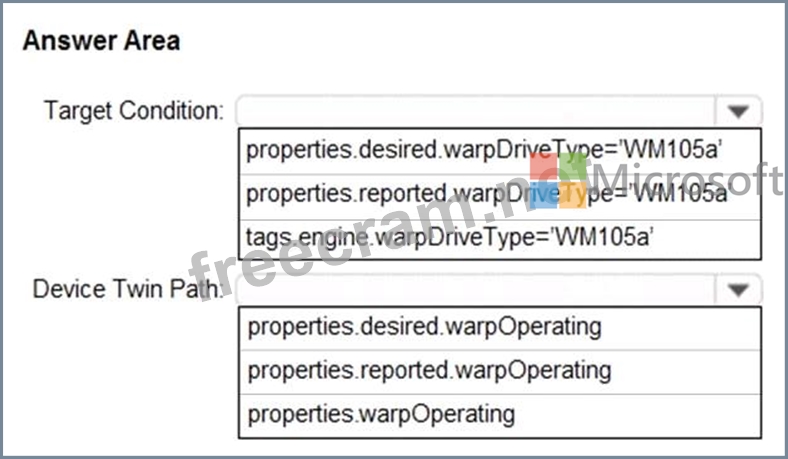
You need to configure automatic device management for the deployment.
Which target Condition and Device Twin Path should you use? To answer, select the appropriate options in the answer area.
NOTE: Each correct selection is worth one point.