Explanation
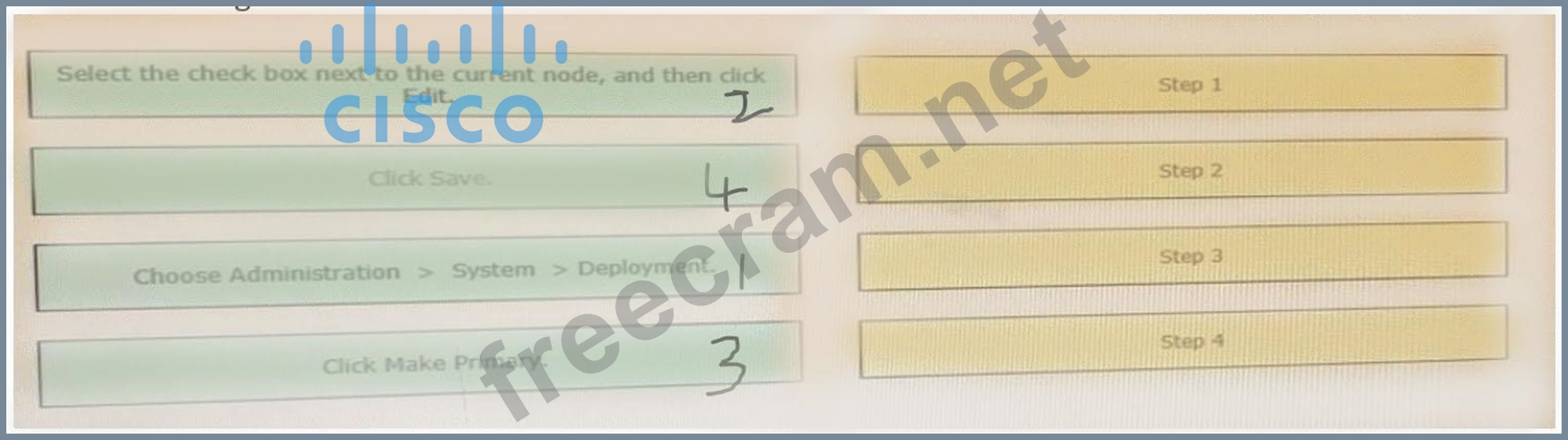
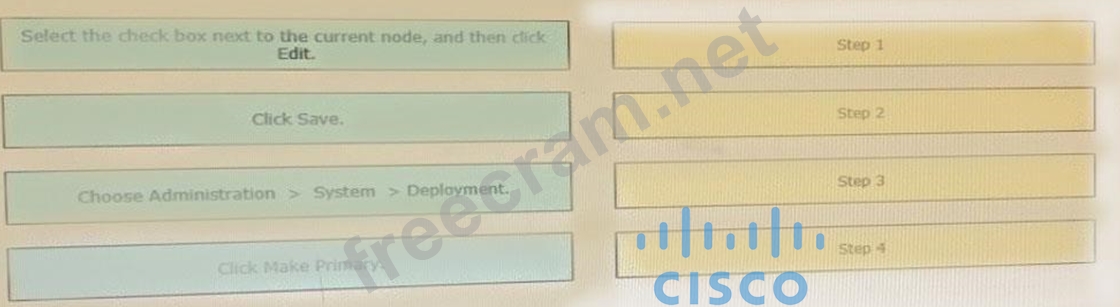
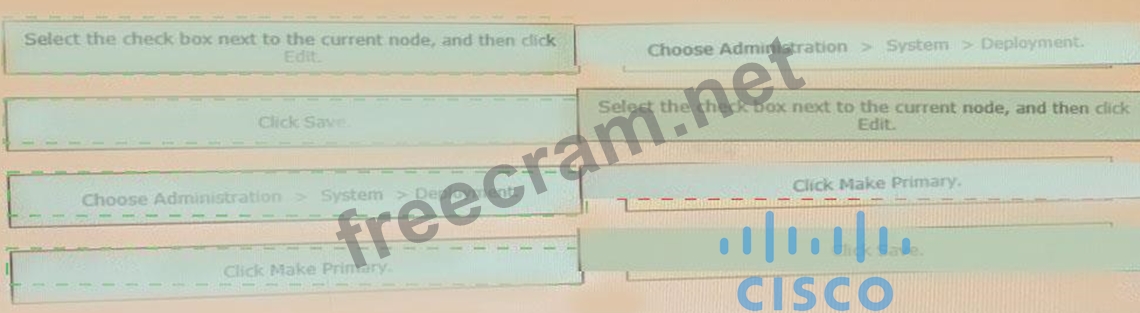
https://www.cisco.com/c/en/us/td/docs/security/ise/2-4/admin_guide/b_ise_admin_guide_24/b_ise_admin_guide Step 1 Choose Administration > System The Register button will be disabled initially. To enable this button, you must configure a Primary PAN.
Step 2
Check the check box next to the current node, and click
Step 3
Click Make Primary to configure your Primary PAN.
Step 4
Enter data on the General Settings tab.
Step 5
Click Save to save the node configuration.